Case Study · UX/UI Design
GVT Fitness Platform
A responsive membership platform combining training, nutrition and progress tracking in one connected experience.
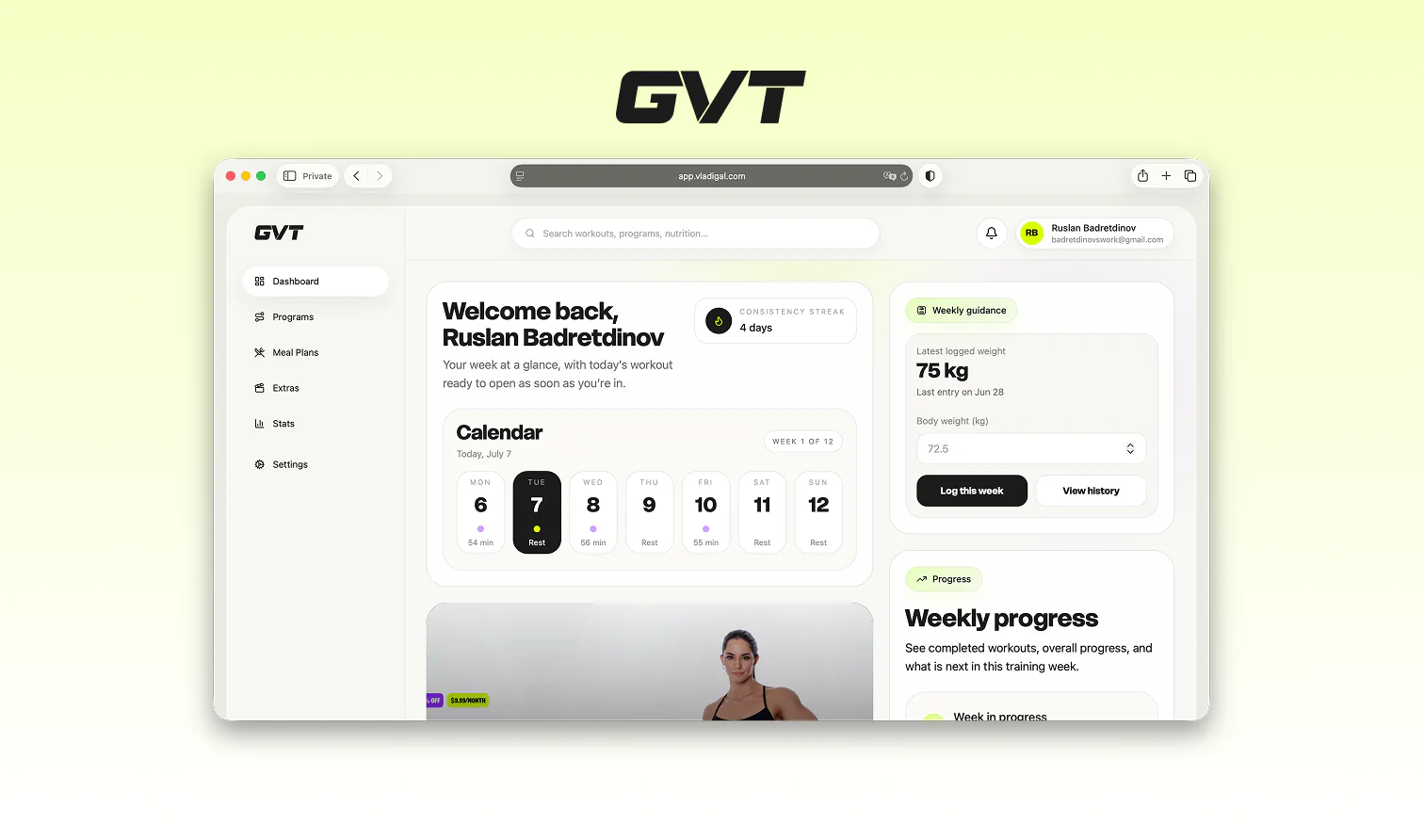
GVT Fitness platform overview
Overview ↘
GVT is a premium fitness membership platform that brings workout programs, exercise guidance, meal plans and progress tracking into one connected product.
I owned the complete UX/UI process, from product structure and user flows to responsive interfaces and working implementation.
Product design challenge
Challenge ↘
The main challenge was organizing a large amount of training and nutrition content without making the product feel complicated. Members needed to understand what to do next, access their current program and track progress with minimal friction.
Product structure and program architecture
Product Structure ↘
The platform was structured around the actions members repeat most often.
Programs ↘
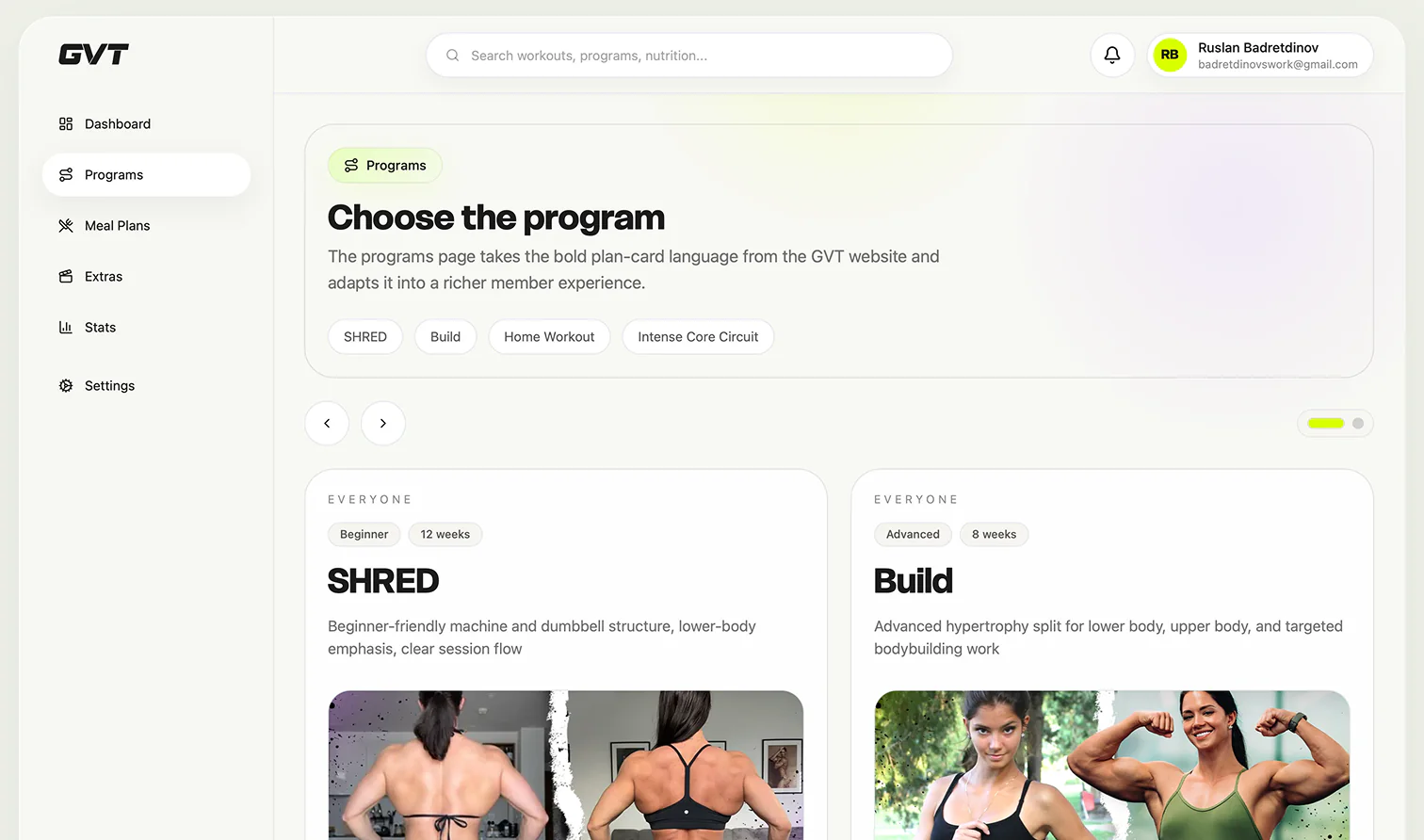
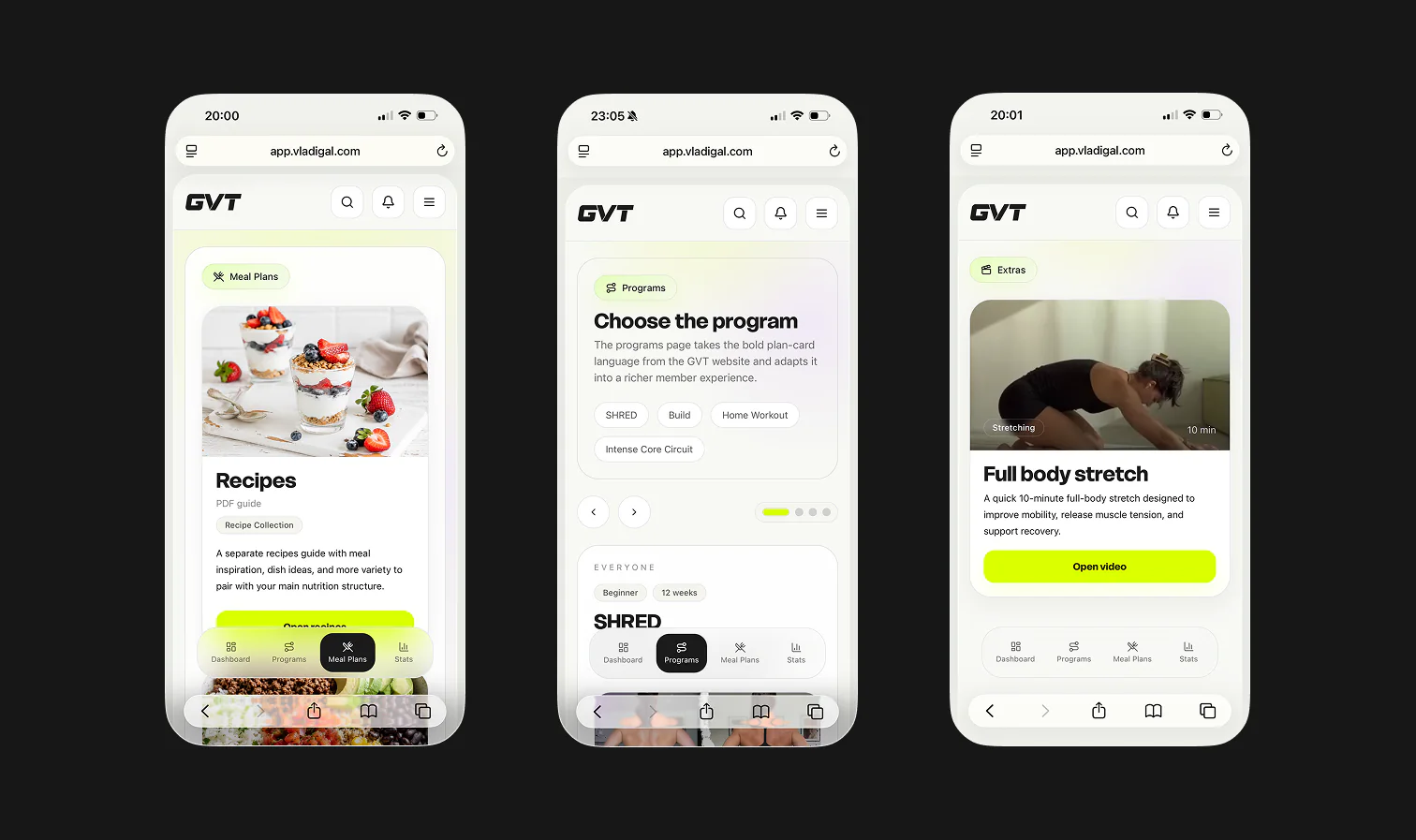
The programs layer was designed to help members compare available training paths, understand difficulty and duration, and choose the right structure before starting.
Access flow ↘
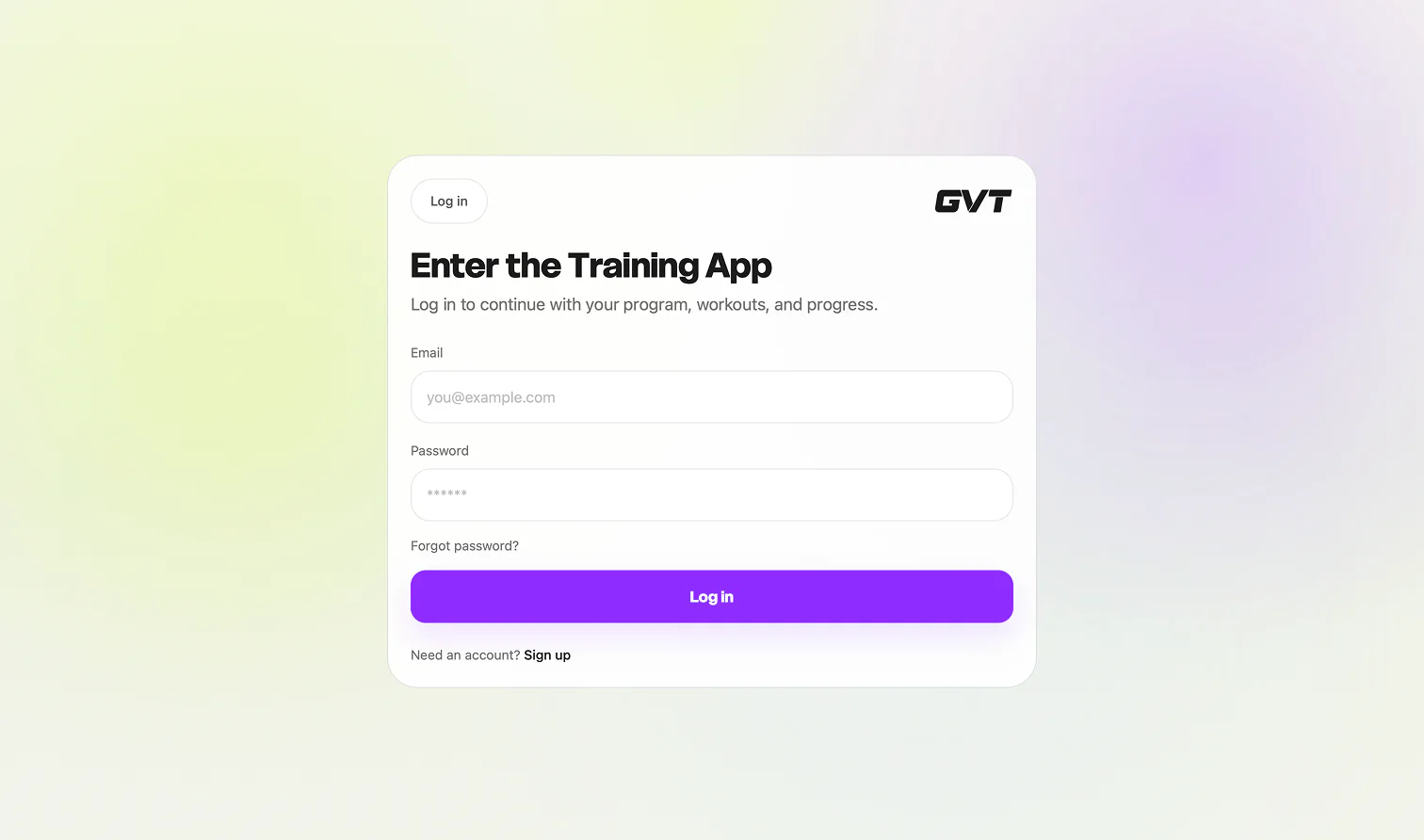
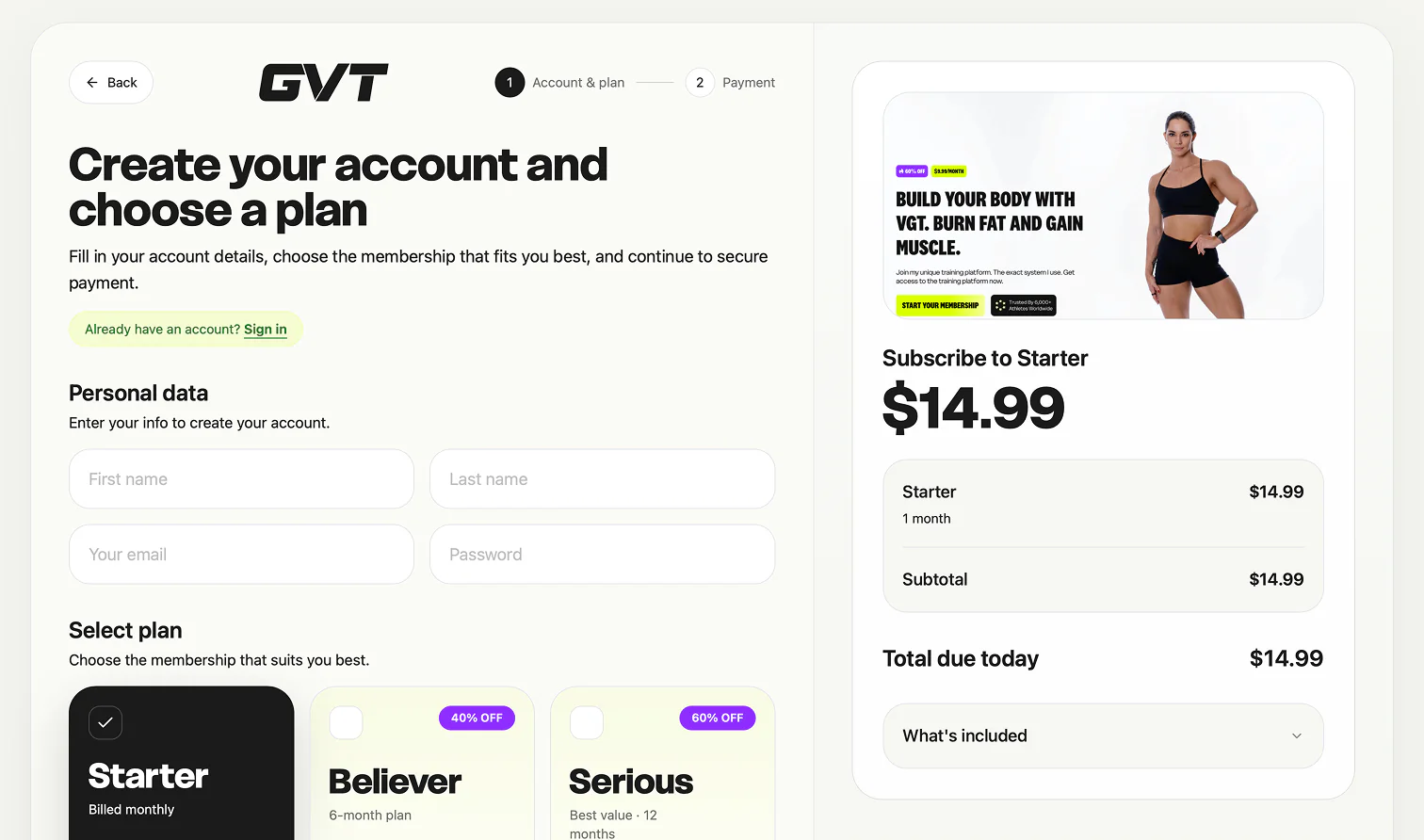
The member flow also included entry and conversion screens: login, account creation, plan selection and the first payment step. These pages were designed to feel like part of the same product, not a disconnected checkout layer.
Dashboard
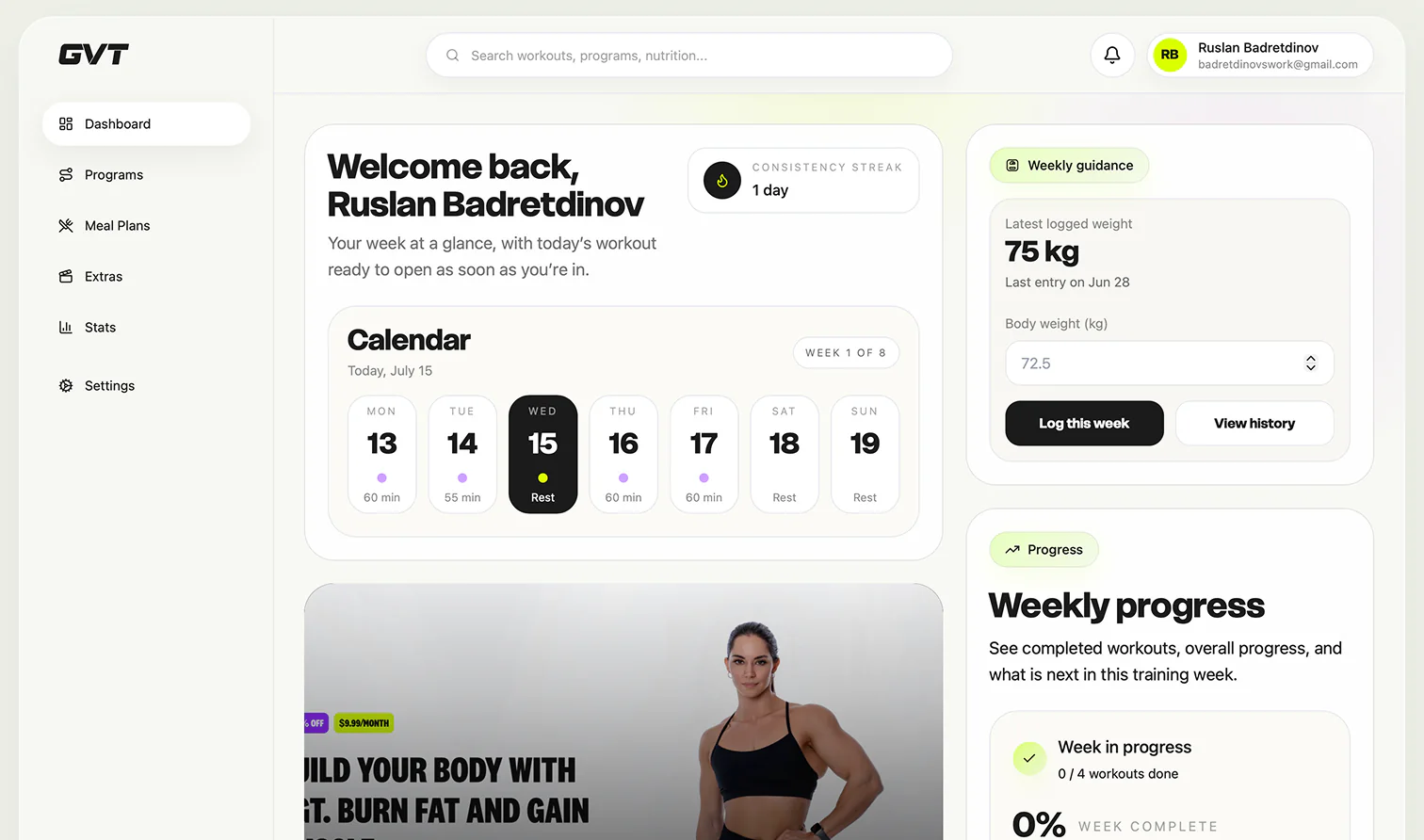
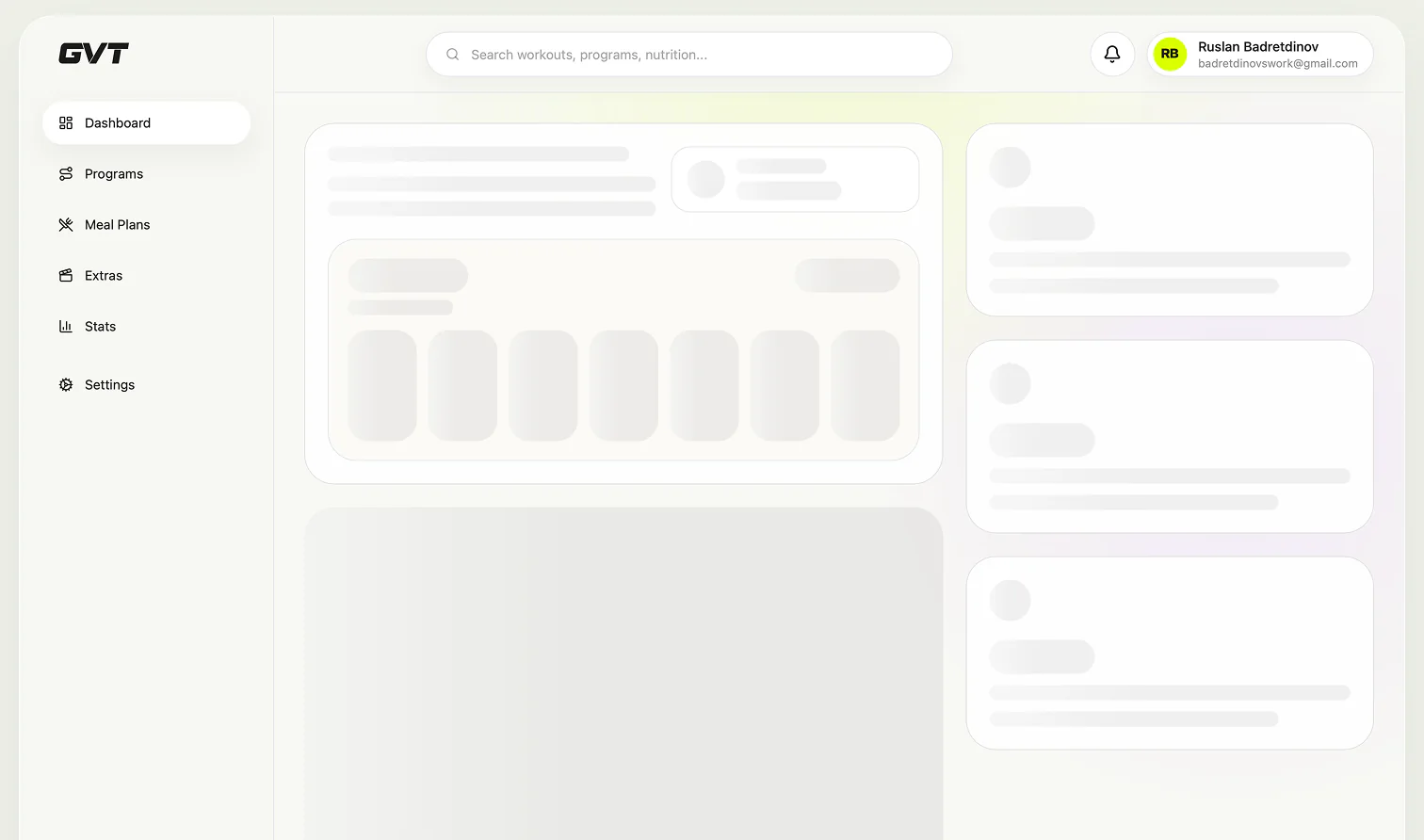
The dashboard was designed as the member’s starting point. It prioritizes the current training week, today’s workout and relevant progress information while keeping secondary content accessible.
Workout Experience
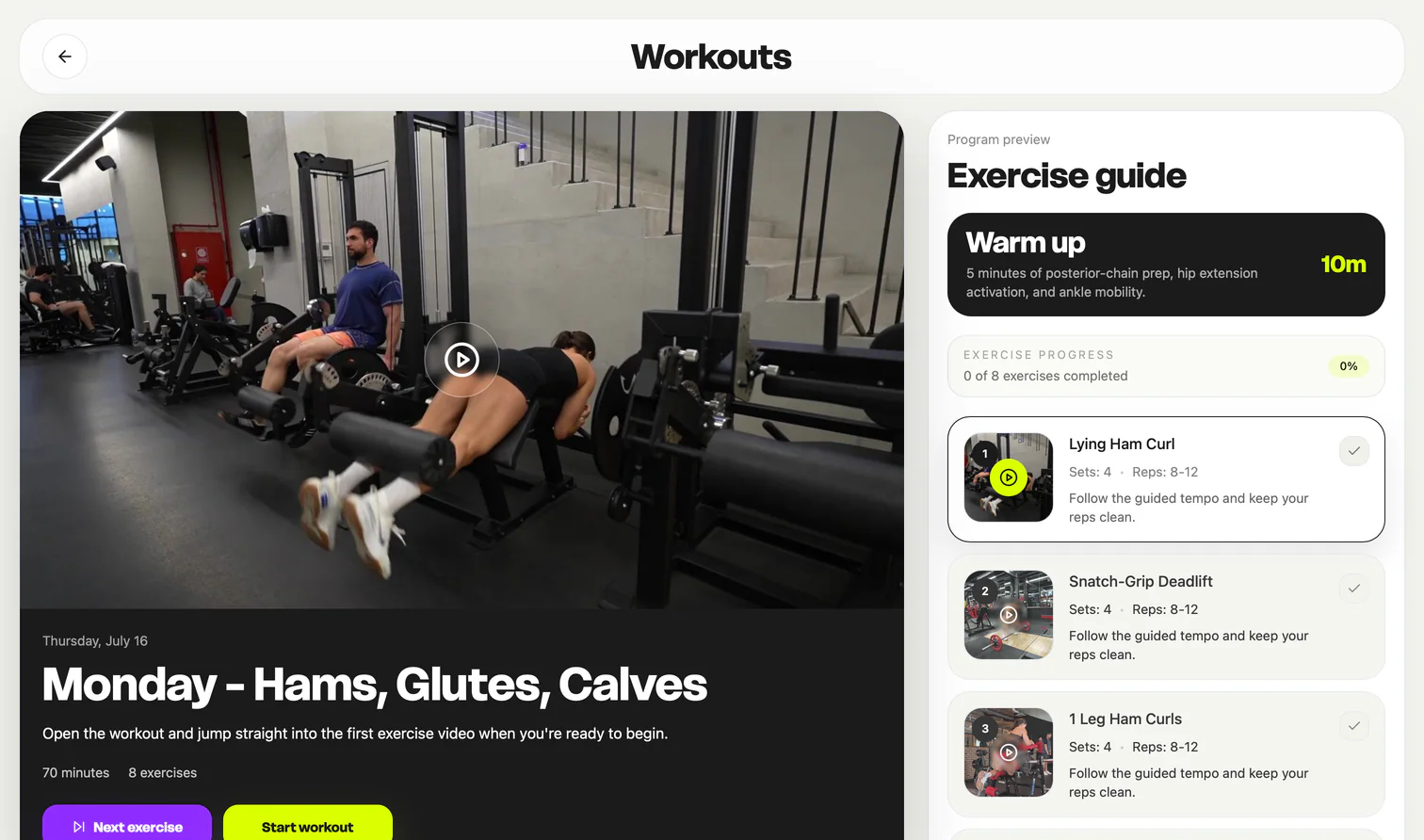
The workout experience keeps video guidance, sets, repetitions, session progress and the exercise sequence in one focused view. Members can also mark each exercise as completed while moving through the session.
Meal Plans
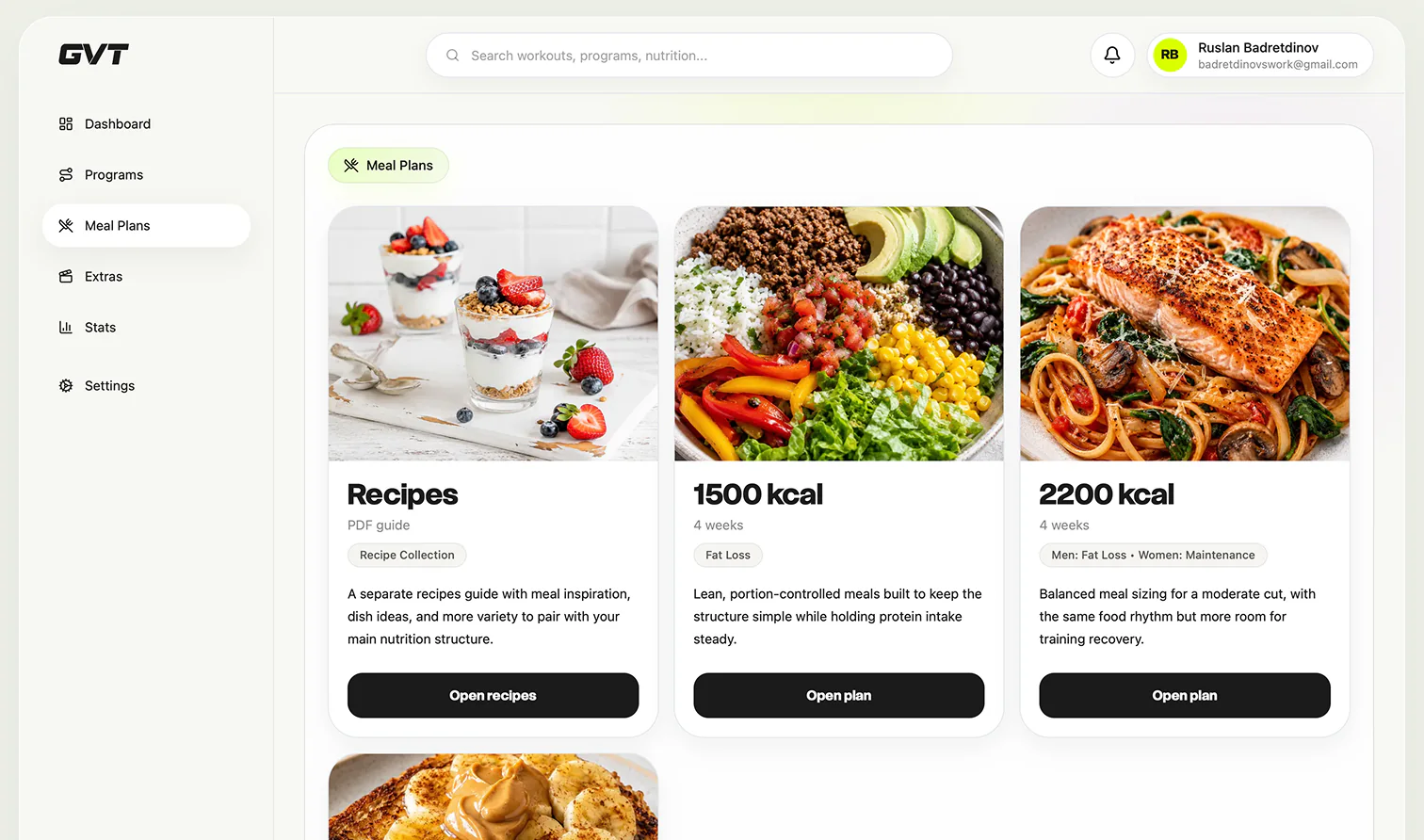
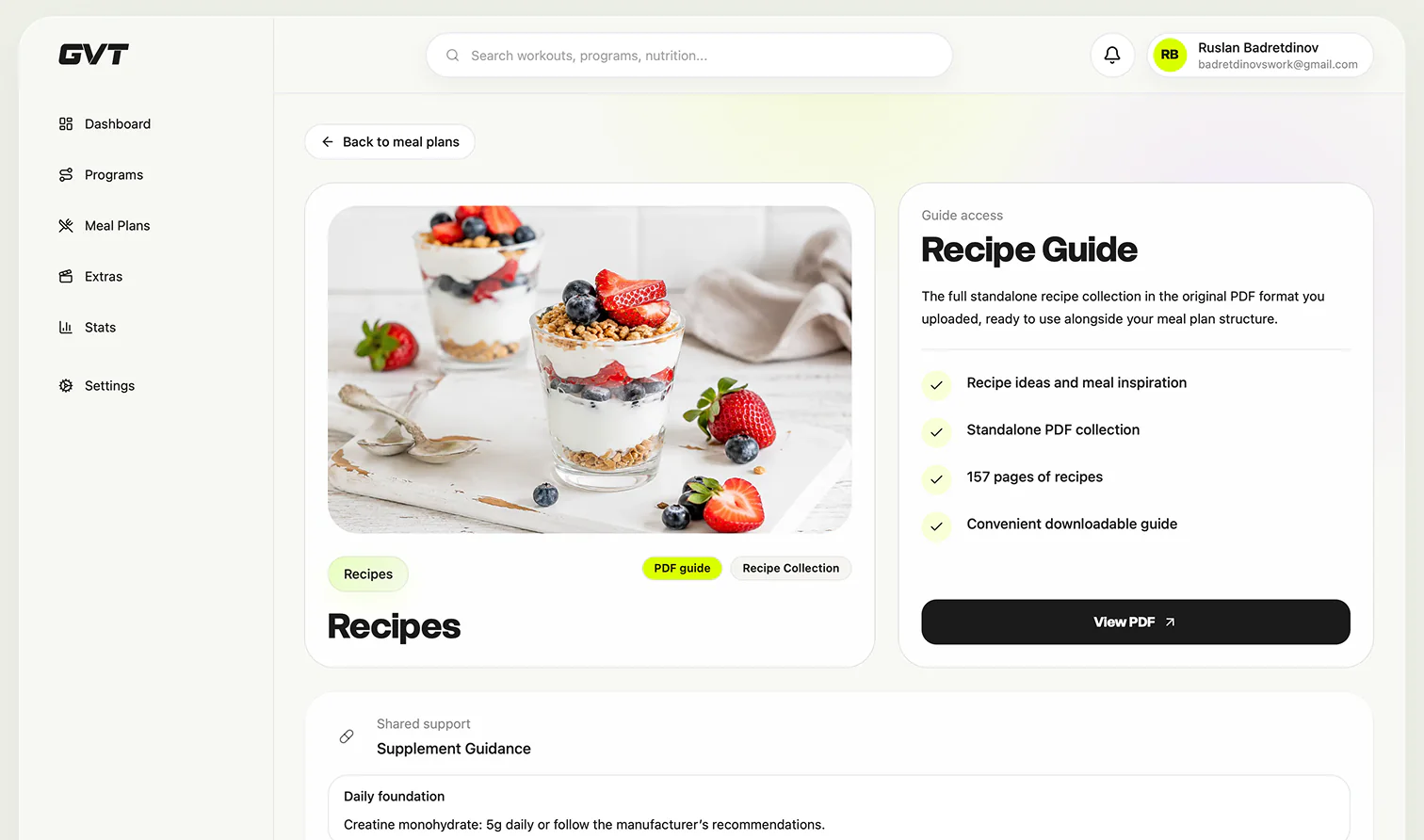
Meal plans, recipes and supporting content were integrated into the same product system, allowing members to move between training and nutrition without leaving the platform.
Progress & Statistics
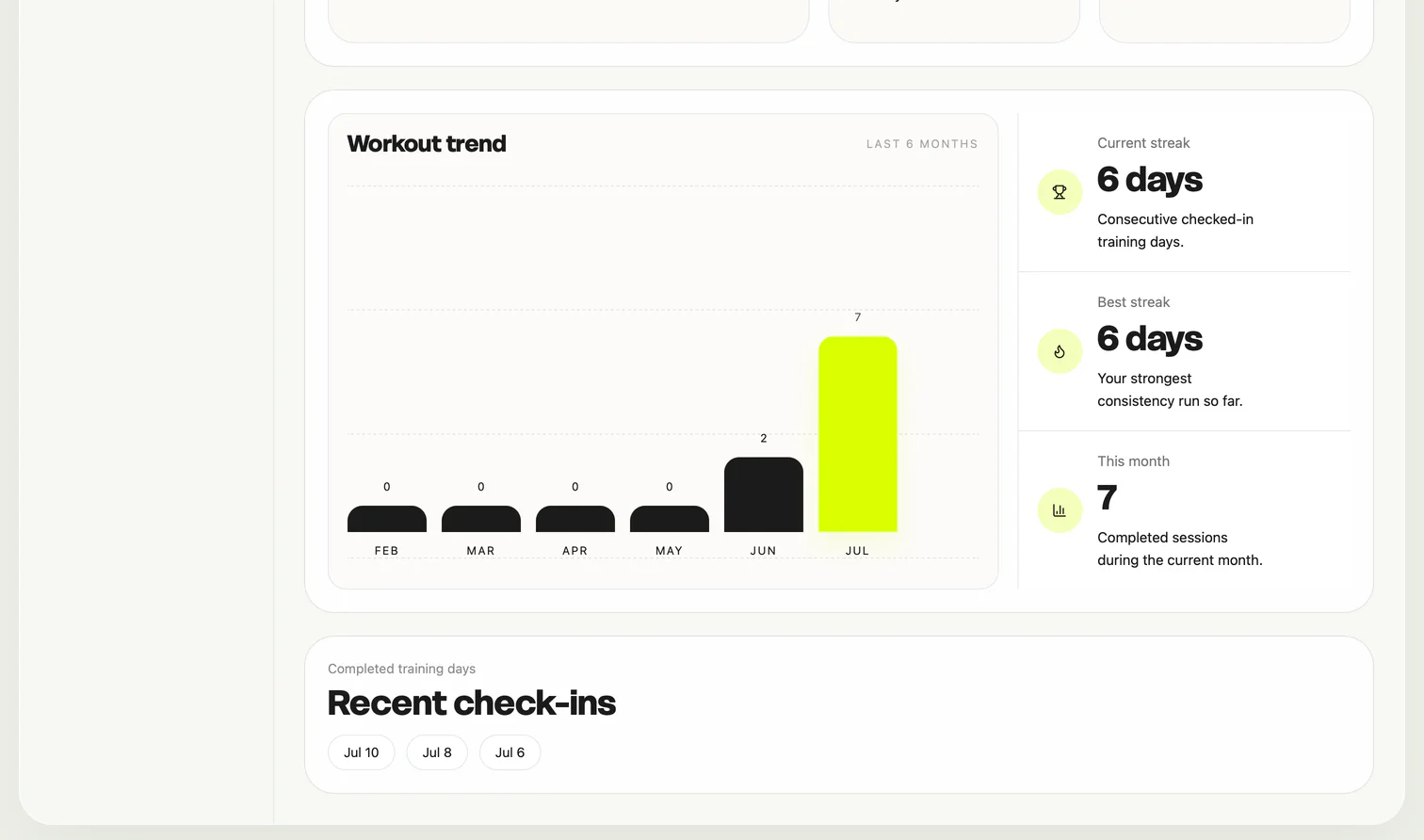
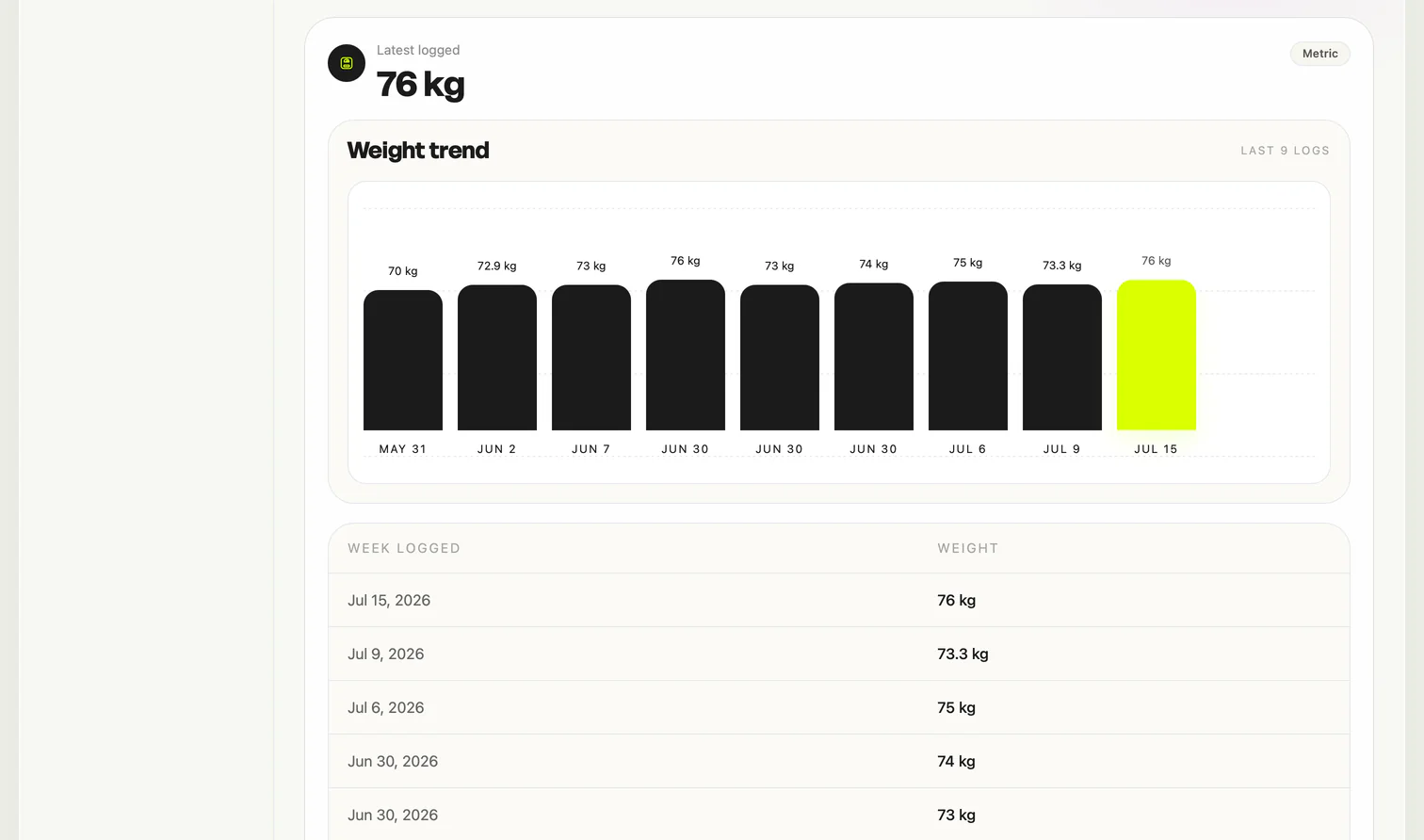
The statistics experience focuses on consistency rather than complex analytics. Workout frequency, streaks and completed sessions help members understand their momentum at a glance.
Mobile Experience
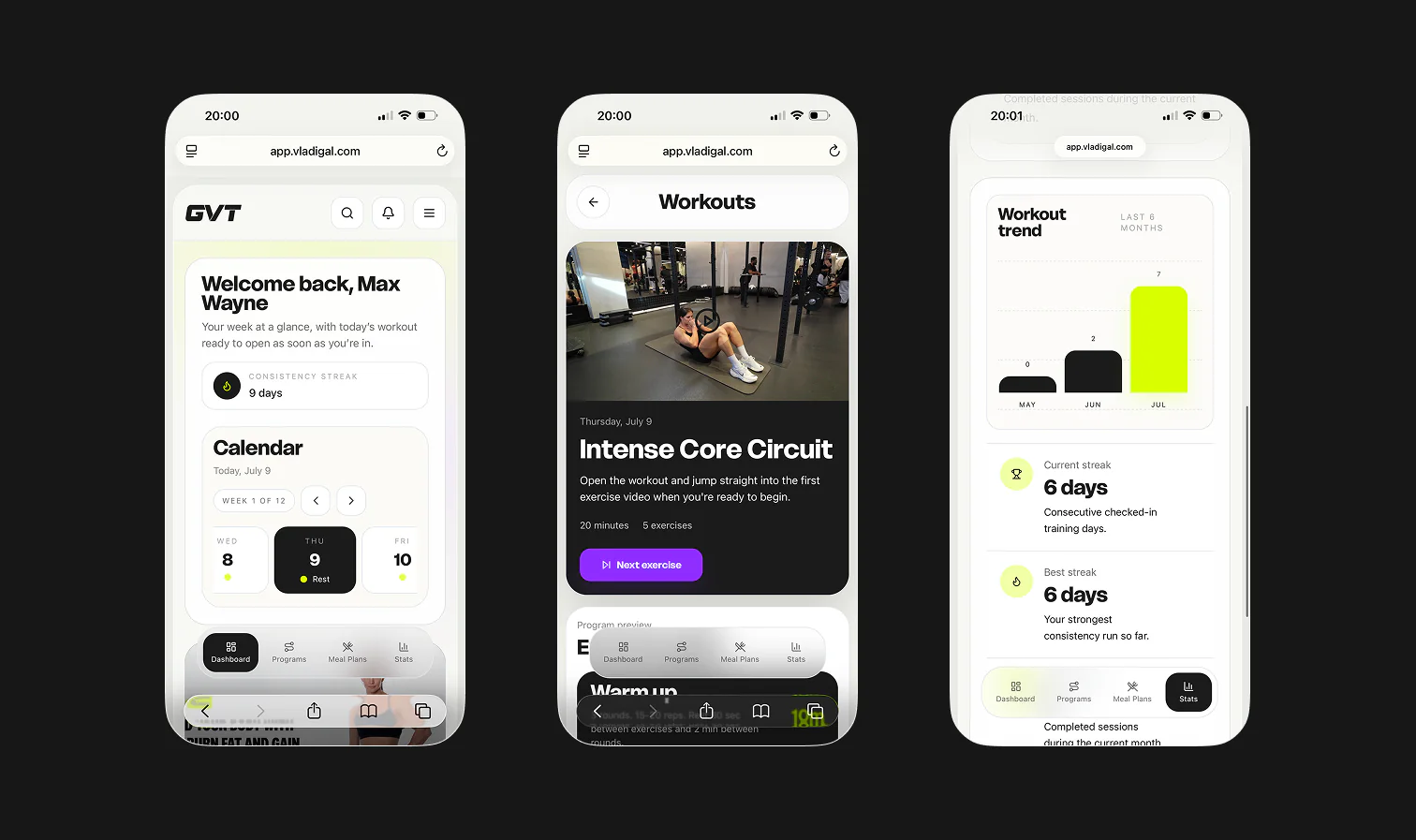
Desktop and mobile share the same product logic, but the layouts were adapted intentionally for each context. Desktop supports wider dashboard compositions, while mobile prioritizes focused actions and touch-friendly navigation.
Role and responsibilities
My Role ↘
- Product structure
- Information architecture
- User flows
- Dashboard UX/UI
- Workout experience
- Nutrition experience
- Responsive design
- AI-assisted implementation
Visual design system
Color palette ↘
Project outcome
Outcome ↘
The result is a complete responsive fitness platform that connects training, nutrition and progress within one consistent member experience.
The system was designed to support additional programs, content and product features as GVT continues to grow.